Retail Operations
Best POS System in Kenya (2025): A Buyer's Guide for Retailers and Restaurants
Not every POS system is built for the Kenyan market. M-PESA integration, offline capability, KRA-compliant VAT reporting, and local support are not optional extras here — they are the baseline. This guide covers what to look for and what questions to ask before you commit.
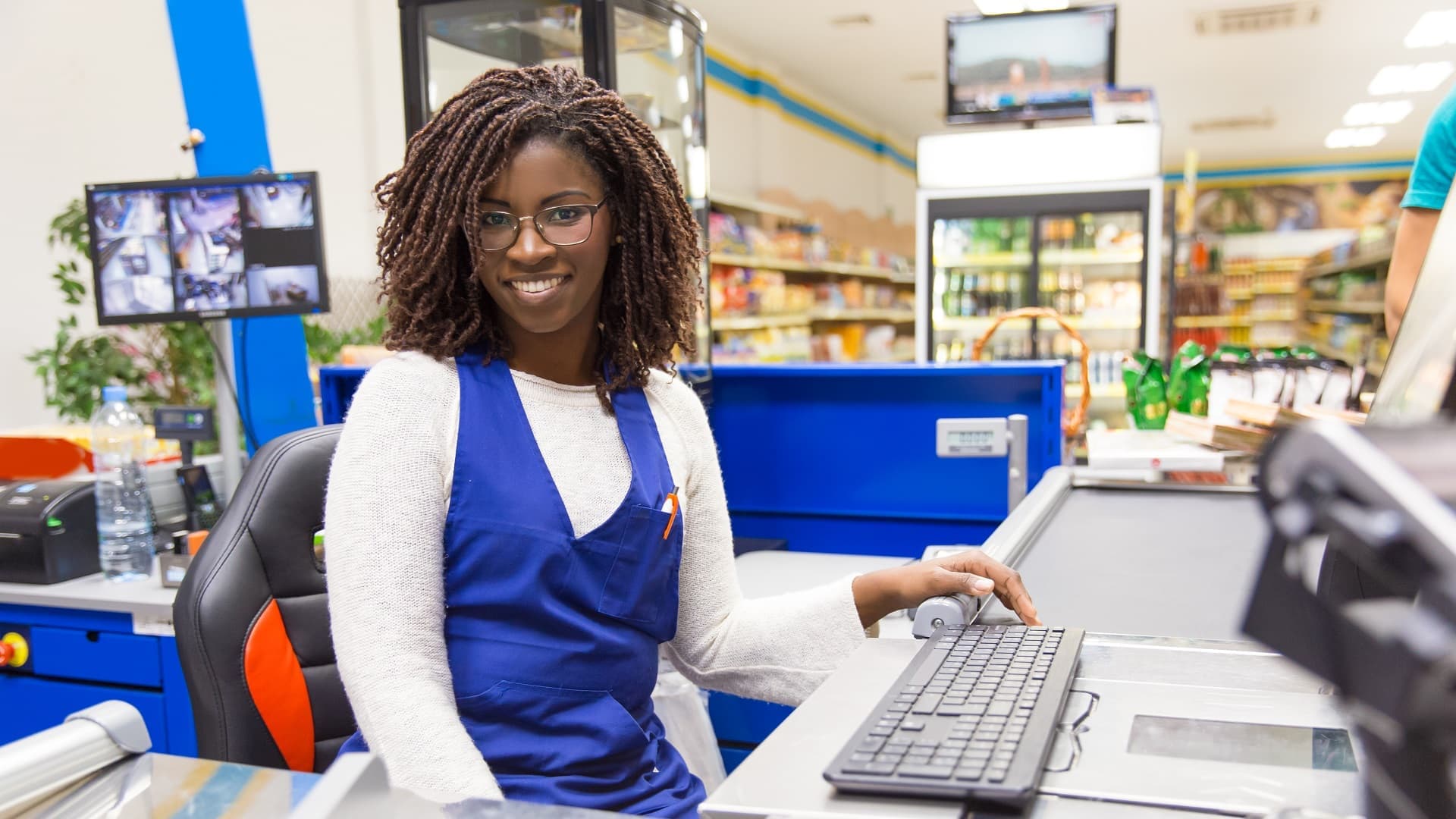
Choosing a POS system in Kenya is not the same decision it is in the UK or the US. The payments landscape is different — most customers pay by M-PESA, not card. Connectivity is inconsistent in many locations, so offline capability is critical. And statutory requirements like VAT filing and KRA integration mean the system needs to understand local tax rules, not just approximate them.
International platforms that work well in other markets often struggle here: limited M-PESA support, no local helpdesk, and compliance features built for different tax frameworks. This guide focuses on what Kenyan businesses actually need — so you can evaluate any platform against the right criteria.
What the Kenyan market specifically requires
M-PESA and multi-payment support
M-PESA is the dominant payment method for most Kenyan consumers. A POS that treats it as an afterthought — requiring a manual confirmation step or separate reconciliation — creates friction at checkout and extra work for finance. The best systems handle M-PESA, card, cash, and split payments in a single transaction flow with automatic reconciliation.
Offline mode
Internet connectivity in Kenya, while significantly improved, still drops — especially in upcountry locations and during load shedding. A POS that goes down when the internet goes down is a liability. Offline capability means sales keep processing, inventory keeps updating locally, and everything syncs when connectivity returns.
KRA-compliant VAT reporting
The system needs to apply the correct VAT treatment to each product category and produce reports in the format KRA requires for filing. Businesses using ETR (Electronic Tax Register) devices need integration that is current with KRA's requirements — not a workaround.
Local support
When a system fails at 9am on a Saturday — the busiest retail hour of the week — you need a support team that is awake, reachable, and can send someone on-site if required. A helpdesk in a different timezone is not that. Local support in Nairobi is a genuine differentiator.
Core features every POS system should have
- Fast checkout with barcode scanning, quick-key shortcuts, and a clean product search that handles large catalogues without slowing down.
- Real-time inventory that updates the moment a sale is made — across every branch, every till, simultaneously.
- Customer management and loyalty — profiles, purchase history, points tracking, and personalised promotions.
- Promotions engine — bundle deals, time-limited discounts, coupon codes applied automatically at checkout.
- Sales analytics — best sellers, margin by product, cashier performance, hourly trends — available in real time, not the next morning.
- Accounting integration — sales, taxes, and payment methods posting directly to accounting without a manual export step.
- Multi-branch management — shared catalogue, centralised pricing, and a single dashboard across all locations.
Questions to ask every vendor before you buy
- Does M-PESA reconcile automatically, or does someone have to match it manually?
- What happens when the internet goes down — can sales continue and sync later?
- Can the system produce KRA-ready VAT reports and support ETR integration?
- How many branches can it handle, and is there an additional fee per location?
- Where is your support team based, and what are your response time commitments?
- Does it integrate with an accounting system, or will we still export CSV files?
- What does the migration look like — how do you bring over our product catalogue and historical data?
Red flags to watch for
- Cloud-only with no offline mode. Non-negotiable in a market with inconsistent connectivity.
- M-PESA as a third-party plugin. If M-PESA is not native, it will cause reconciliation headaches.
- No local reference customers. Ask for businesses in Kenya using the system — not just testimonials from other markets.
- Pricing that scales steeply per branch. Multi-location businesses get penalised as they grow.
- No on-site support option. Remote-only helpdesks cannot fix hardware issues or train new staff.
Why Tessera POS is built for Kenya
Tessera POS was designed around how Kenyan businesses actually operate. M-PESA, card, cash, and split payments are all handled natively in a single checkout flow. The system works fully offline and syncs automatically when connectivity returns. VAT is applied by product category with KRA-compliant reporting included.
Multi-branch businesses manage every location from a single dashboard — shared catalogue, centralised pricing, stock transfers, and consolidated analytics across all outlets. Payroll integrates with Tessera HR. Sales integrate with Tessera Accounting. The result is a single data flow from the till to the books, with no manual steps in between.
Support is based in Nairobi, available during business hours, and able to provide on-site assistance when needed.
Implementation: what to expect
A well-managed POS implementation typically takes one to two weeks for a single location: catalogue migration, configuration, hardware setup, and staff training. Multi-branch rollouts are phased, starting with one pilot location before expanding. Expect a parallel-running period of five to seven days before fully cutting over.
See Tessera POS in action
Book a demo tailored to your business type — retail, wholesale, restaurant, or multi-branch. We will show you the M-PESA checkout flow, live inventory updates, and the analytics dashboard your managers will use every day.
Related Solutions
Products that match this guide
Tessera POS
Run fast checkout, inventory sync, M-PESA payments, branch reporting, and retail controls.
Explore Tessera POSTERP Accounting
Manage reconciliations, AP/AR, VAT reporting, budgets, cashflow, and audit-ready controls.
Explore AccountingTessera ERP
Connect inventory, purchasing, accounting, HR, POS, and reporting in one business platform.
Explore Tessera ERPKeep Reading
More Articles

How to Run a Multi-Store Business Like a Pro
Learn how to efficiently operate businesses with multiple locations and warehouses. Discover strategies, best practices, and how ERP systems can help streamline your operations.
Read article →
POS Inventory Management: How to Stop Stockouts Before They Happen
A stockout is not just a missed sale — it is a customer who walked to a competitor and may not come back. POS inventory management gives you the visibility to reorder before shelves empty and the data to stop over-ordering what sits unsold.
Read article →
POS System vs Traditional Cash Register: Why Modern Retail Is Moving On
A cash register does one thing: record that money changed hands. A modern POS system does everything that happens before and after that moment — and that difference is where retail businesses are won or lost.
Read article →