ISP & Network Management
How to Start a WiFi Hotspot Business in Kenya: Equipment, Costs and Setup
A practical guide to launching a paid WiFi hotspot business in Kenya, covering internet backhaul, MikroTik routers, access points, vouchers, M-PESA payments, pricing and day-to-day management.
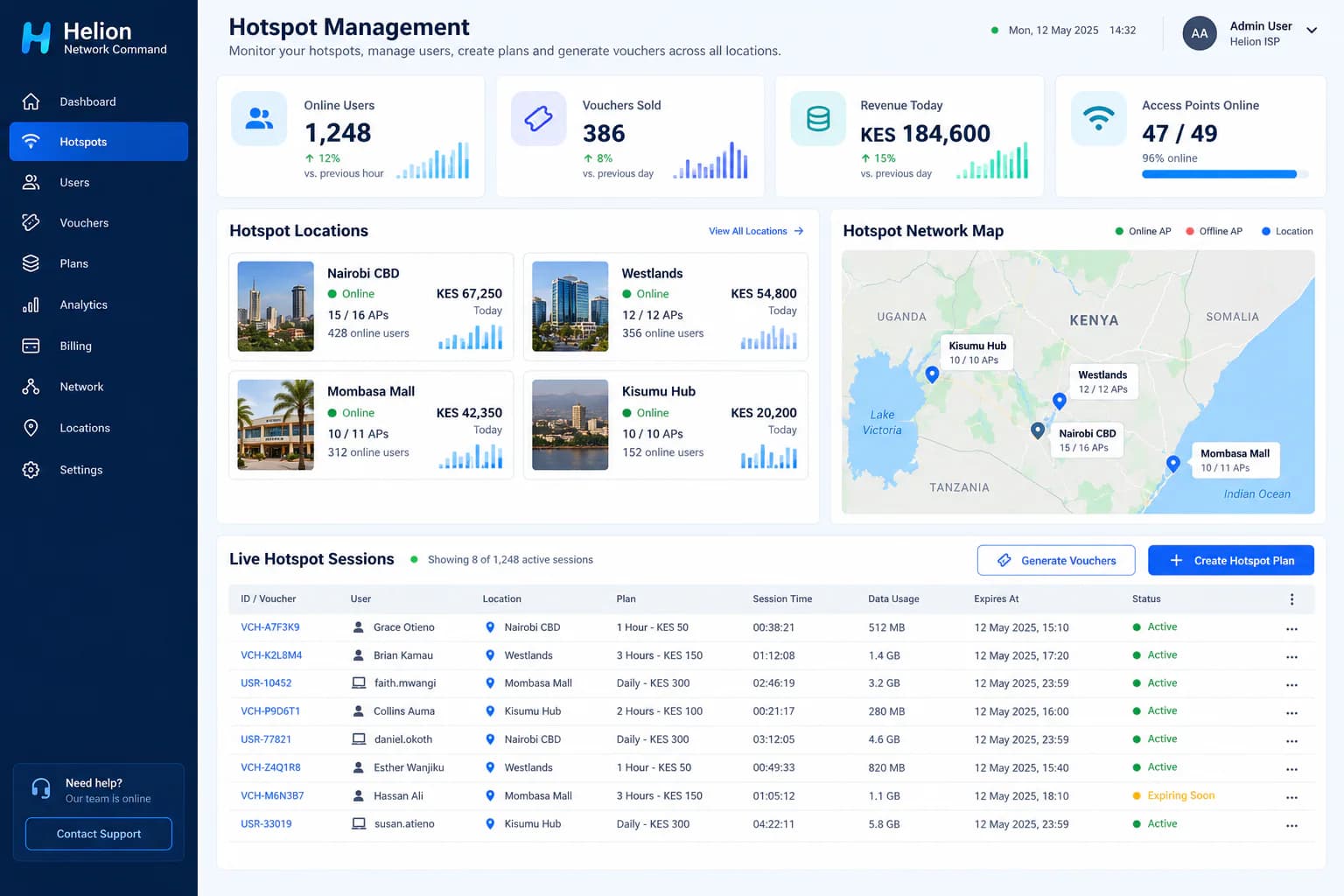
Paid WiFi can be a practical business in Kenya where people need affordable internet but mobile data is expensive, unreliable, or unsuitable for long sessions. Estates, hostels, shopping centres, cafés, markets, transport stages and growing neighbourhoods can all support hotspot services when the network is designed around real demand.
The business is more than installing a router and printing a password. A dependable hotspot needs adequate internet capacity, correctly placed access points, controlled user authentication, packages, payments, monitoring and a support process. This guide explains the decisions to make before spending money.
1. Start with the location and demand
A strong location has enough potential users, a clear need for connectivity and permission to install equipment. Before buying hardware, spend time at the site and answer these questions:
- How many people could use the service during the busiest hour?
- Are they residents, students, workers, shoppers, travellers or event visitors?
- What mobile and fixed internet options already exist?
- Will people pay hourly, daily, weekly or monthly?
- Is the service expected indoors, outdoors or across several buildings?
- Is reliable power available, and is backup power necessary?
- Who owns or manages the property, and what installation agreement is required?
Do not estimate coverage from a map alone. Concrete walls, metal roofing, neighbouring networks, trees and elevation all affect WiFi performance. A site survey helps determine how many access points are required and where they should be installed.
2. Choose a reliable internet backhaul
Every hotspot shares one or more upstream internet connections. Fibre is usually the best option where available because it offers stable capacity and predictable latency. Fixed wireless can work well where fibre is unavailable, but line of sight, weather, contention and provider limits must be considered.
Buy enough capacity for peak concurrent use, not merely the advertised number of registered users. Fifty customers browsing and messaging place a different load on the network from fifty customers streaming video. Your package speeds and fair-use rules should reflect the capacity you can consistently deliver.
Ask the upstream provider whether resale or public hotspot use is allowed under the selected service agreement. Consumer internet packages may restrict redistribution.
3. Select the core hotspot equipment
A typical managed hotspot requires:
- A compatible MikroTik router to act as the hotspot gateway
- Business-grade indoor or outdoor access points
- PoE switches or injectors to power access points
- Ethernet or fibre cabling between network points
- Mounting equipment, weather protection and secure enclosures
- Reliable power and, where necessary, a UPS or alternative backup
- A laptop or technician device for installation and maintenance
- A hotspot management platform such as Helion Network Command
The correct MikroTik model depends on expected throughput, concurrent sessions, firewall rules and future expansion. The correct access points depend on coverage, user density and the environment. Buying the cheapest router or trying to cover a large site with one access point often produces poor performance and expensive repeat visits.
4. Design packages people understand
Keep the first package menu simple. Common models include:
- Time-based access, such as one hour or twenty-four hours
- Data-based access, such as 2 GB or 10 GB
- Weekly and monthly packages for repeat users
- Speed-based tiers for basic, standard and premium access
- Free limited guest access sponsored by a venue
- Voucher access sold by agents or issued to guests
Price must cover internet backhaul, site rent or revenue sharing, equipment recovery, payment charges, maintenance, support and profit. Avoid unlimited promises unless the network and fair-use policy can sustain them. State the validity period, speed, device limit and expiry rules clearly on the captive portal.
5. Configure login, payment and access control
When a customer connects, the captive portal should explain the available packages and the next action. Depending on the deployment, users may pay, enter a voucher, sign in with an approved account or accept guest-access terms.
A managed platform should connect each successful purchase or voucher to the correct access policy. That policy can define speed, session time, data allowance, concurrent devices and expiry. Payment confirmation, access activation and receipt notifications should be automated where the selected integrations support it.
For the Kenyan market, mobile-money collection is often important. Confirm the supported payment integration, settlement process, transaction charges, reconciliation method and failure handling before launch.
6. Secure and test the hotspot
Public WiFi must separate users from the management network and, where appropriate, from one another. Change default equipment credentials, restrict router administration, keep firmware maintained and preserve appropriate operational logs. The exact security and data-handling obligations depend on the service design and applicable Kenyan law, so obtain professional advice for your deployment.
Test the complete customer journey before opening:
- Connect from several common phone and laptop types.
- Confirm that the captive portal opens correctly.
- Buy or redeem every package type.
- Verify speed, time, data and device limits.
- Test expiry, logout and repeat purchase.
- Walk the entire coverage area while connected.
- Load-test the busiest zones with multiple devices.
- Confirm that failed payments do not create unintended access.
- Test support, refund and voucher-replacement procedures.
- Confirm alerts for router or access-point outages.
7. Plan day-to-day operations
The network needs regular attention after launch. Track online users, concurrent sessions, access-point health, peak-hour capacity, package sales, payment exceptions and customer complaints. Review which locations and packages are profitable rather than relying only on total registrations.
Keep spare injectors, cables and at least one replacement access point where downtime would significantly affect revenue. Document the network layout and back up router configurations after approved changes. Give staff individual administrative accounts instead of sharing one password.
Common mistakes to avoid
- Buying equipment before surveying the location
- Using home WiFi routers for a high-density public deployment
- Overselling packages against a small backhaul connection
- Sharing one permanent password with every customer
- Ignoring power backup and physical equipment security
- Launching without testing payment failures and session expiry
- Keeping vouchers, payments and users in separate spreadsheets
- Expanding to another location before understanding the first site's economics
How Helion Network Command supports hotspot operations
Helion Network Command centralizes hotspot locations, users, access points, sessions, packages, vouchers, payments and operational reporting. Operators can manage paid, complimentary and sponsored access while monitoring usage and service availability from one platform.
The exact router, access-point, payment and captive-portal configuration is confirmed during assessment because every location has different capacity, coverage and commercial requirements.
Ready to assess your first location?
SurfWis can help evaluate the site, define the equipment, configure the hotspot workflow and deploy Helion Network Command. Visit the Helion Public WiFi solution page or contact SurfWis with the location, expected users, available internet connection and preferred access model.
Related Solutions
Products that match this guide
Keep Reading
More Articles
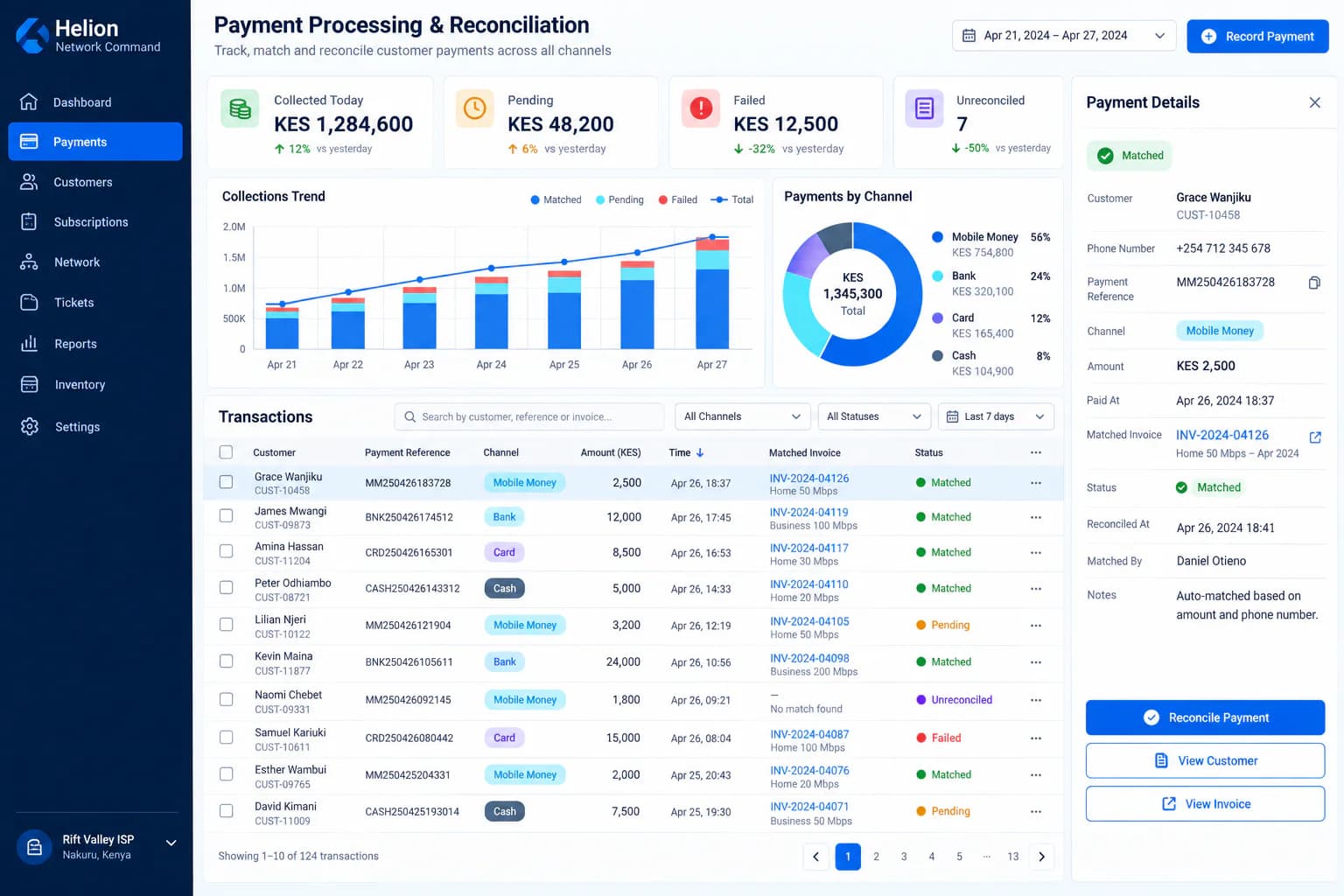
The Ultimate ISP Billing System in Kenya — From KSh 1,500 per Month
See what a Kenyan ISP should expect from a modern billing platform—from subscriber accounts and recurring invoices to PPPoE, RADIUS, payments, provisioning, support and technician workflows.
Read article →
How to Run a Multi-Store Business Like a Pro
Learn how to efficiently operate businesses with multiple locations and warehouses. Discover strategies, best practices, and how ERP systems can help streamline your operations.
Read article →
ERP Modules Every Business Should Prioritize First
Not every ERP rollout should start with every module. Here is how to prioritize the modules that create the fastest operational impact.
Read article →