Digital Presence
How a Professional Business Website Drives Real Growth in 2025
Customers form an opinion about your business in under three seconds. A professional website ensures that opinion is the right one — and then turns it into a lead.
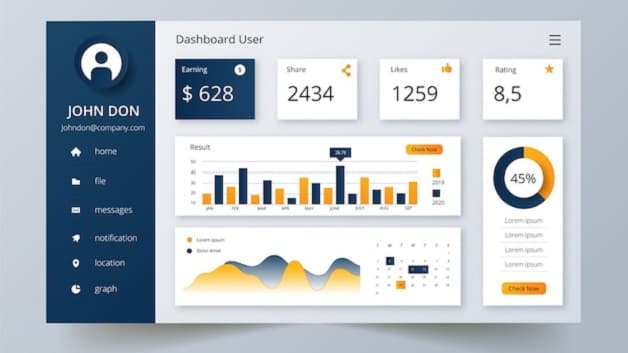
Most business owners know they need a website. Fewer understand the difference between having one and having one that works. A basic website says your business exists. A professional website answers the questions a prospect is asking, builds enough trust to make them act, and guides them to the right outcome — whether that is booking a call, requesting a quote, or walking into a store.
The gap between the two is the gap between a digital business card and a sales tool that runs around the clock. This article breaks down what that difference looks like in practice.
What your website says before anyone reads a word
Visual credibility is immediate and largely subconscious. Visitors assess load speed, layout density, mobile formatting, and overall polish before they read a single line of copy. A slow, cluttered, or mobile-broken site signals — unfairly but reliably — that the business behind it operates the same way.
The good news is that the reverse is equally true. A clean, fast, well-structured site creates an instant sense of professionalism that raises the bar for every interaction that follows.
Core elements of a professional business website
1. Clear, outcome-focused messaging
The homepage headline should answer one question: what do you do and for whom? Visitors should understand your value within five seconds without scrolling. Vague taglines like "We deliver excellence" waste that window. Specific ones like "ERP and POS software for Kenyan retailers" do not.
2. Mobile-first design
More than 70% of web traffic in Kenya arrives on a mobile device. A site that is not optimised for mobile is not just a bad experience — it actively drives customers away. Mobile design means readable font sizes, tap-friendly buttons, fast loading on 4G, and contact paths that work with one thumb.
3. Page speed and Core Web Vitals
Google uses Core Web Vitals — load time, interactivity, and visual stability — as a ranking signal. Slow sites rank lower and convert worse. Every second of extra load time costs measurable bounce rate. Optimised images, clean code, and a reliable hosting setup are not optional polish; they directly affect how many people find and stay on your site.
4. Service pages with proof and outcomes
A single "Services" page that lists everything you do in bullet points is not enough. Each service deserves its own page with a clear explanation of who it is for, what the result looks like, and social proof that it has worked for someone similar. This depth is what earns organic search traffic and convinces undecided buyers.
5. Consistent, low-friction calls to action
Every page should have one primary action you want the visitor to take — book a call, request a quote, download a guide, or contact your team. Giving people too many options leads to none being taken. A clear CTA with a short form or direct WhatsApp link dramatically outperforms a generic "Contact us" buried in the footer.
6. SEO-ready structure
A professional website is built to be found. That means clean URL structures, descriptive page titles, meta descriptions, image alt text, and structured data (JSON-LD) so search engines understand your content. Without these, even well-written pages may never surface in the results your customers are searching.
Turning traffic into real leads
Getting visitors to the site is only half the job. A professional website is designed around conversion — the moment a visitor decides to make contact. That requires:
- Trust signals. Client logos, testimonials, case studies, and team profiles reduce the perceived risk of reaching out.
- Short forms. Every extra field in a contact form reduces completions. Ask only for what you genuinely need to respond.
- Fast response indicators. "We typically reply within 2 hours" or a live chat widget tells prospects that reaching out is worth the effort.
- Analytics and conversion tracking. Without data, you cannot know which pages generate leads and which ones leak visitors. Analytics make it possible to improve continuously rather than guessing.
Common website mistakes that cost businesses
- Launching without a mobile test — the majority of your visitors will see the mobile version first.
- Using stock photos for the hero section — original photography or well-chosen illustrations convert significantly better.
- Writing for the business instead of the customer — feature lists matter less than outcomes ("reduce stockouts by 40%" beats "real-time inventory management").
- Neglecting security — an SSL certificate, updated plugins, and regular backups are baseline requirements, not optional extras.
- Treating the website as a one-time project — the best business websites are updated regularly with new content, improved pages, and conversion experiments.
Website launch checklist
- Define your top three customer problems. Every page should speak to at least one of them explicitly.
- Build individual service pages. One page per service with proof, outcomes, and a CTA — not one long list page.
- Optimise for mobile before launch. Test on real devices, not just a browser resize.
- Install analytics and conversion tracking. Set up goals for form submissions and key CTA clicks from day one.
- Submit to Google Search Console. Submit your sitemap so pages are indexed quickly and errors surface early.
- Plan post-launch content. A blog or resources section that publishes regularly builds search authority over time — static sites plateau.
Ready for a website that converts?
SurfWis builds professional websites that are fast, SEO-ready, and designed around your business outcomes — not just your brand. From strategy through to post-launch support, we own the result alongside you.
Related Solutions
Products that match this guide
Business Web Development
Build fast, SEO-ready websites and web platforms designed around conversion and growth.
Explore Web DevelopmentMobile App Development
Design and build Android, iOS, and cross-platform apps for customers and internal teams.
Explore App DevelopmentTessera ERP
Connect inventory, purchasing, accounting, HR, POS, and reporting in one business platform.
Explore Tessera ERPKeep Reading
More Articles

Web Developer in Kenya: How to Find the Right Team for Your Business (2025)
Kenya has a deep pool of web development talent. Finding the right team for your specific business — one that delivers on time, understands your customers, and builds something that actually generates leads — requires knowing what to look for and what questions to ask.
Read article →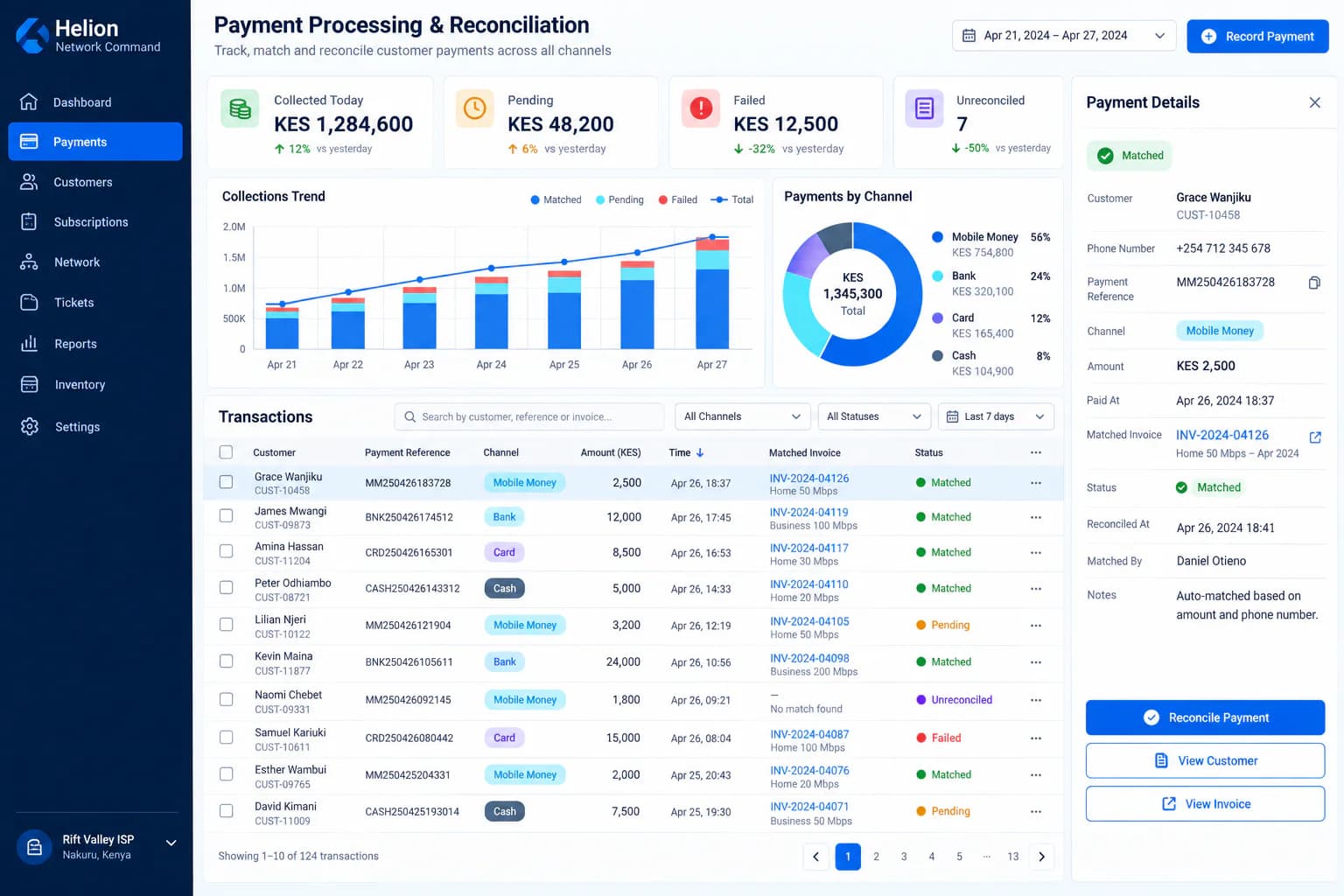
The Ultimate ISP Billing System in Kenya — From KSh 1,500 per Month
See what a Kenyan ISP should expect from a modern billing platform—from subscriber accounts and recurring invoices to PPPoE, RADIUS, payments, provisioning, support and technician workflows.
Read article →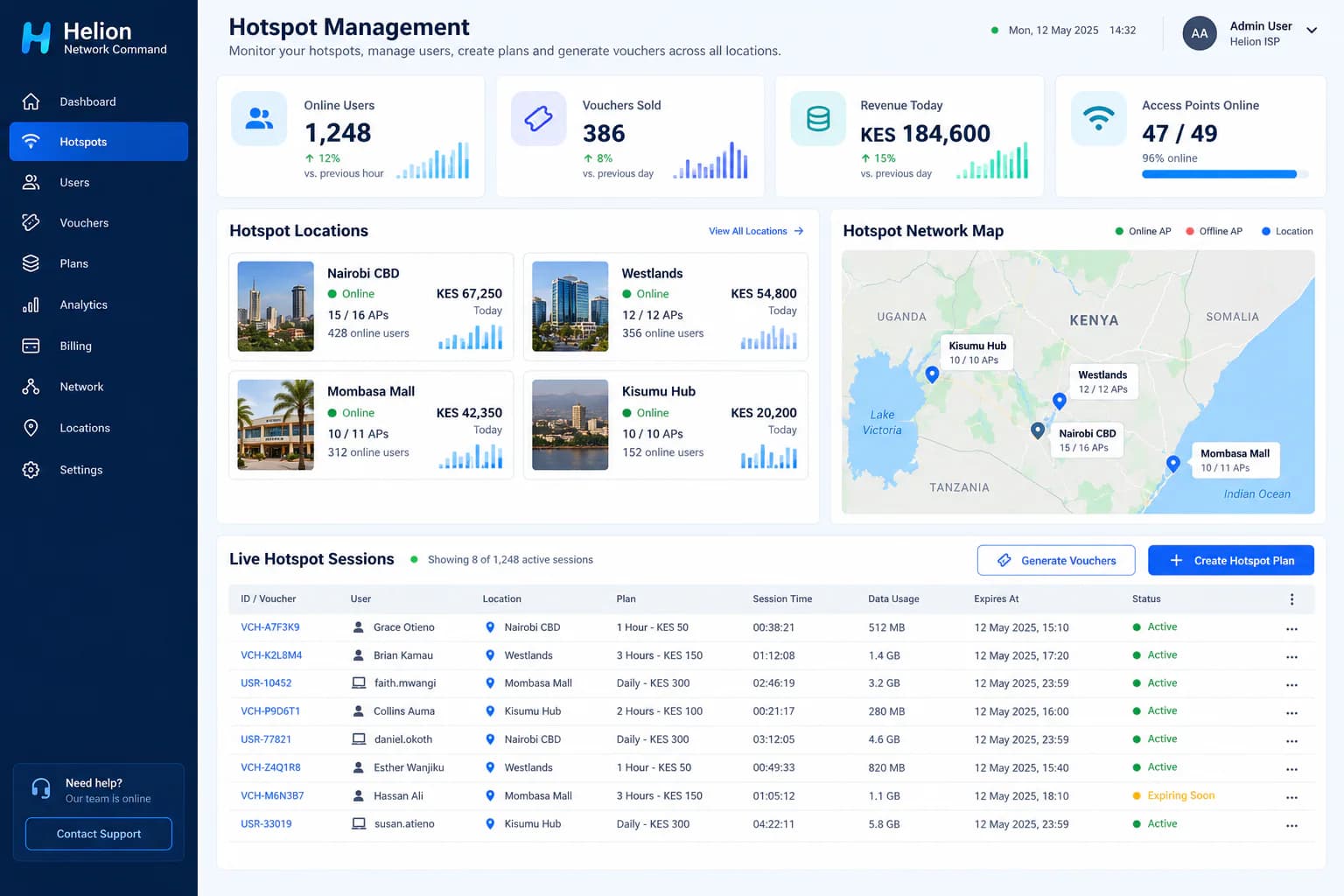
How to Start a WiFi Hotspot Business in Kenya: Equipment, Costs and Setup
A practical guide to launching a paid WiFi hotspot business in Kenya, covering internet backhaul, MikroTik routers, access points, vouchers, M-PESA payments, pricing and day-to-day management.
Read article →