Finance + Operations
POS and Accounting Integration: How It Works and Why It Matters
When your POS and accounting system talk to each other, finance closes faster, managers gain real-time margin visibility, and the manual reconciliation that consumes hours every week simply disappears.

Most retail and wholesale businesses run their POS and accounting on completely separate platforms. Sales are recorded at the till, then someone — usually in finance — manually re-enters or exports that data into the accounting system at the end of the day. It works, in the same way a leaking roof works as long as someone keeps emptying the buckets.
Integrated POS and accounting removes the bucket entirely. Every sale, payment, and stock movement posts directly to the right accounts in real time. The books are always current, and no one has to key in the same numbers twice.
What disconnected systems actually cost you
The damage from running POS and accounting separately is rarely one catastrophic failure — it accumulates quietly:
- Daily manual data entry. A cashier or accounts clerk exports a CSV from the POS and imports it into accounting. On a good day this takes 30 minutes. When the formats don't match or the totals don't balance, it takes much longer.
- Delayed financial visibility. Management cannot see today's gross margin until finance has finished reconciling yesterday. Decisions get made on stale numbers.
- Inventory and accounts drift apart. If the POS records a sale but accounting doesn't update cost of goods, the P&L slowly becomes fiction. Stock on hand in one system doesn't match the other.
- VAT reconciliation errors. Tax codes applied at the till rarely map cleanly to chart-of-accounts categories without a human double-checking every line. Errors compound across months.
- Month-end becomes a fire drill. Finance teams spend days chasing down discrepancies that should never have existed, delaying statutory reporting and management accounts.
How POS and accounting integration works
A properly integrated system creates a single data flow. Here is what happens when a cashier completes a sale:
- The POS records the sale, the items sold, the quantities, and the payment method (cash, M-PESA, card, or split).
- Stock levels update instantly across every branch that shares that product catalogue.
- The accounting module receives a journal entry automatically — revenue posted to the correct income account, cost of goods debited, and the payment method reconciled to the right bank or mobile money ledger.
- VAT is calculated and allocated to the tax liability account with no manual intervention.
- By end of day, the daily close report in the POS matches exactly what accounting shows. No exports, no imports, no manual journals.
What integration fixes immediately
- Automatic posting of sales, taxes, and payment methods to the correct accounts — no manual journals.
- Real-time inventory values tied to financials so cost of goods sold is always accurate.
- Clean daily close with a reconciliation report that matches the bank statement without adjustments.
- Accurate margin reporting by product, category, branch, and sales rep — available the moment a sale is made.
- VAT reports that are ready for submission without additional review or manual calculations.
Financial data that leadership can actually trust
The most underrated benefit of integration is not speed — it is confidence. When every sale posts correctly and every payment lands in the right ledger, the numbers management sees are the numbers that actually happened. That makes forecasting, cash flow planning, and investor reporting far more reliable.
It also changes the conversation in management meetings. Instead of "we'll have the figures by Thursday," the answer is "here they are right now."
Integration setup roadmap
Getting POS and accounting talking to each other is a configuration task, not a development project — as long as both systems are designed for it from the start.
- Map your chart of accounts to POS categories. Every product category in the POS needs to post to the correct income account. This mapping is done once and rarely needs changing.
- Define tax codes for each product type. Standard-rated, zero-rated, and exempt items need separate codes so VAT reports are accurate from day one.
- Configure payment method ledgers. Cash, card, M-PESA, and store credit each need a corresponding account in accounting so reconciliation is automatic.
- Sync inventory units and locations. If you have multiple branches, confirm that stock units and location codes match between systems.
- Run a validation week. Process a full week of transactions and confirm that the daily close in the POS matches accounting to the cent before going live with the integrated setup.
Ready to unify your POS and accounting?
Tessera connects your point of sale, inventory, and accounting into a single platform — so your team has clean data, a faster close, and margins they can trust in real time.
Related Solutions
Products that match this guide
Tessera POS
Run fast checkout, inventory sync, M-PESA payments, branch reporting, and retail controls.
Explore Tessera POSTERP Accounting
Manage reconciliations, AP/AR, VAT reporting, budgets, cashflow, and audit-ready controls.
Explore AccountingTessera ERP
Connect inventory, purchasing, accounting, HR, POS, and reporting in one business platform.
Explore Tessera ERPKeep Reading
More Articles
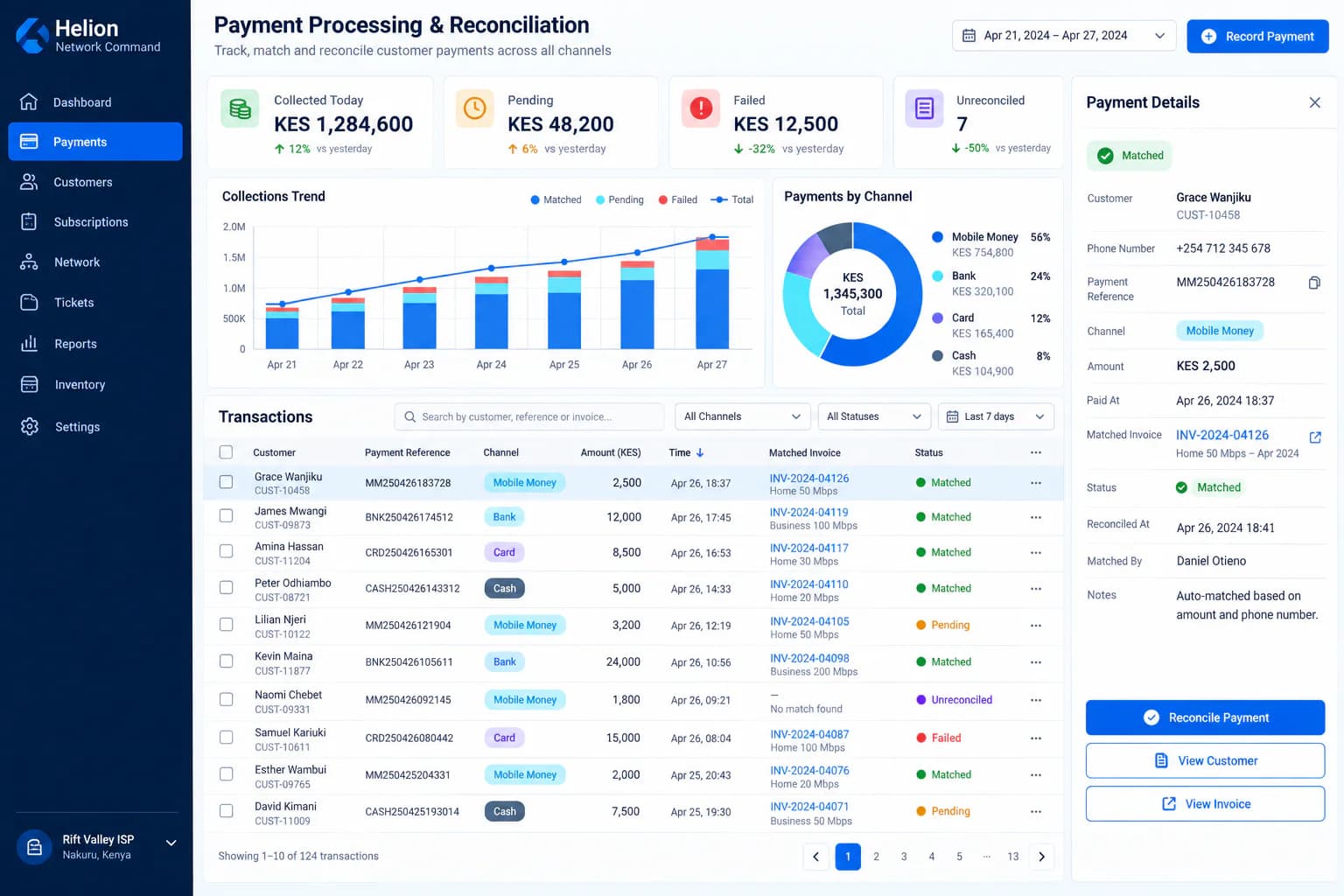
The Ultimate ISP Billing System in Kenya — From KSh 1,500 per Month
See what a Kenyan ISP should expect from a modern billing platform—from subscriber accounts and recurring invoices to PPPoE, RADIUS, payments, provisioning, support and technician workflows.
Read article →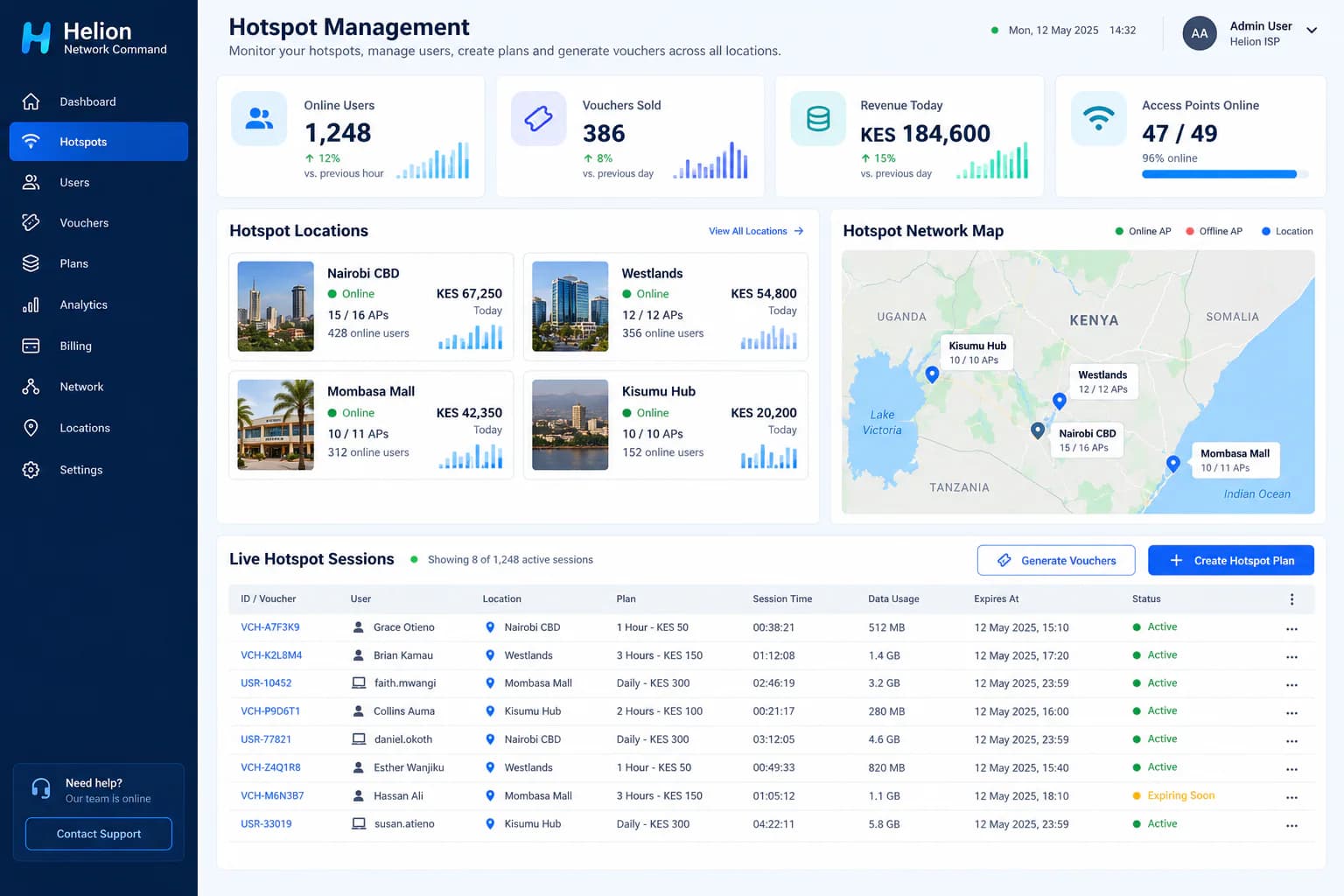
How to Start a WiFi Hotspot Business in Kenya: Equipment, Costs and Setup
A practical guide to launching a paid WiFi hotspot business in Kenya, covering internet backhaul, MikroTik routers, access points, vouchers, M-PESA payments, pricing and day-to-day management.
Read article →
How to Run a Multi-Store Business Like a Pro
Learn how to efficiently operate businesses with multiple locations and warehouses. Discover strategies, best practices, and how ERP systems can help streamline your operations.
Read article →